


 1 (760) 224-9616
Last Updated: November 24, 2026
Quick Summary
You can track a package without a tracking number by searching the sender's reference number, order number, or account dashboard, or by calling the sender for the original shipping record. USPS, UPS, and FedEx each offer reference or account lookup routes, and a phone agent can search by your delivery address and ship date.
- USPS lets you search by the reference number the sender added to the shipment label.
- UPS reference tracking requires the shipment date range, so keep your order confirmation handy.
- FedEx has no public search-by-address tool and restricts address lookup to verified account holders or phone agents.
- Work through email, texts, retailer account, and packing slip first; most people find their number by step four.
- Before calling a carrier, have your full delivery address including unit number and the recipient name exactly as printed.
Table of Contents
- Why You Can Still Track a Package Without a Tracking Number
- Find a Package Without a Tracking Number: USPS Reference and Receipt Methods
- How to Track a Package Without a Tracking Number: UPS Options
- Find FedEx Tracking Number by Address and Account
- Recover a Lost Tracking Number Step by Step
- What to Prepare Before Contacting a Carrier
- Troubleshooting Delayed, Missing, or Misdelivered Packages
- Check Your onlinegotmine.com Order for Shipment Details
- Frequently Asked Questions
Why You Can Still Track a Package Without a Tracking Number
Losing a tracking number feels like losing your only key. It usually isn't.
A tracking number is a unique code a carrier assigns to a shipment.
The sender can often be faster than the carrier, because they hold the original shipping record.
Below, we walk through seven ways to track a package without a tracking number, carrier by carrier, plus what to prepare before you call and how to handle a delayed, missing, or misdelivered package.
Find a Package Without a Tracking Number: USPS Reference and Receipt Methods
USPS offers two solid backup routes: the reference number on your shipping label and the counter receipt.
Start with the reference number. It's the fastest option if you still have any paperwork from the shipment.
Using the USPS Reference Number on Your Label
A reference number is a secondary code the sender adds to a shipment, separate from the tracking number. USPS lets you search by it through its official tracking tools.
Here's how to use it:
- Go to the USPS tracking page.
- Choose the option to track by reference number.
- Enter the reference number exactly as printed.
- Add the mailing date range if the form asks for it.
- Submit and review the shipment status.
Note that the reference number must be one the sender actually included.
If you don't know the reference number, ask the sender. Most retailers generate one automatically and can read it back from the order record.
How to Find a USPS Tracking Number From a Receipt
Here's the practical path:
- Check the top and bottom of the receipt for a long numeric string.
- Look for labels like "Tracking," "Article Number," or "IMpb."
- If you see only a receipt number, call USPS support and read it out; an agent can often pull the shipment record from it.
How to Track a Package Without a Tracking Number: UPS Options
UPS gives you three realistic routes: the sender's reference number, your UPS account, and a phone call to support.
The reference number route works well. UPS lets you track by reference, and senders commonly use your order number or purchase order number. You'll need the shipment date range, so have your order confirmation handy.
If you have a UPS account, log in.
No account? Call UPS customer support with your name, delivery address, and approximate ship date. They can search incoming shipments tied to your address.
One limitation:
Find FedEx Tracking Number by Address and Account
FedEx is where the gap between what people expect and what the company will do is widest. There's no public "search by address" tool and no way to type a name into fedex.com and get a shipment back. FedEx offers indirect routes instead, and knowing which to use saves the most time.
The three FedEx routes, in order of speed
Watch out: FedEx reference tracking only works if the sender set a reference. If that field was blank, the reference route returns nothing no matter how carefully you type, move straight to the account or phone route.
Why FedEx will not search by address on the public site
The limitation is privacy, not technology. A public address search would let anyone see what's arriving at any street address. FedEx and other major carriers restrict address lookup to authenticated account holders or phone agents who can verify you're authorized. If you're not the account holder and can't verify the address, the agent may decline to share details.
International parcels and the carrier handoff
For international shipments, expect a carrier handoff. A parcel may start with FedEx, clear customs, then be handed to a local delivery partner for the final leg. The FedEx tracking page may stop updating even though the parcel is still moving, because the local partner now holds the record. Call the local delivery partner with your address and ask about incoming mail for your name.
A quick carrier decision tree
Use this to pick the right method before you spend time on the wrong one:
-
Postal carrier (USPS or a national post): start with the reference number on the label, then the counter receipt, then the local post office's incoming-mail desk.
-
International shipment: identify the original carrier, then ask which local partner handles final delivery, and contact that partner directly.
-
Unknown carrier: ask the sender which carrier they used before you call anyone, because each carrier's lookup rules differ.
Recover a Lost Tracking Number Step by Step
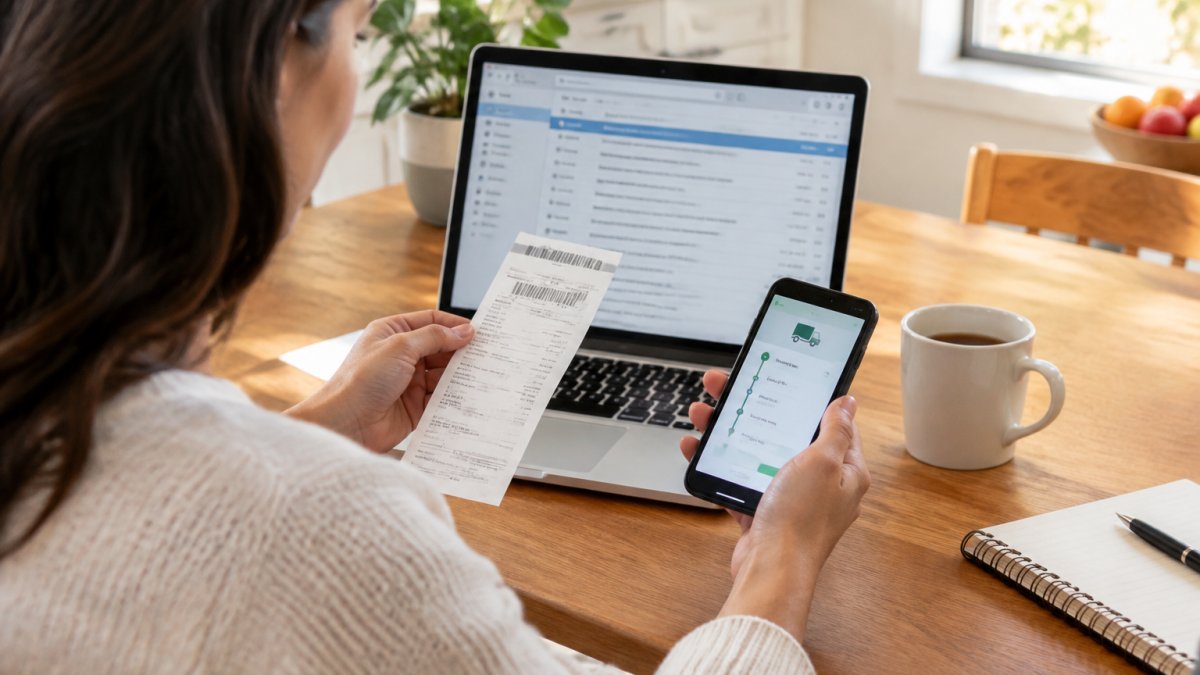
Work through these steps in order. Most people find their number by step four.
- Search your email for the shipping confirmation. Search the retailer's name plus "shipped." The shipping confirmation almost always contains the tracking number.
- Check your text messages. Many carriers send a text notification with a tracking link on dispatch day.
- Open your retailer account. Your order history page usually shows the tracking details.
- Check the sender's original receipt or packing slip. The proof of shipment often lists the number.
- Log in to a carrier account. Your account dashboard may list incoming packages by address.
- Call the sender. A support agent can read the tracking number from the shipment record.
- Call the carrier last. Give them your address and ship date, and ask for a package search.
A common mistake is calling the carrier first. The carrier needs an identifier to search. The sender already has one.
Work through these steps in order, most people find their number by step four.
| Step | What to do | Where to look |
|---|---|---|
| 1 | Search email for shipping confirmation | Retailer name plus "shipped" |
| 2 | Check text messages | Carrier text notification with tracking link |
| 3 | Open retailer account | Order history page |
| 4 | Check sender's receipt or packing slip | Proof of shipment |
| 5 | Log in to a carrier account | Account dashboard |
| 6 | Call the sender | Agent reads number from shipment record |
| 7 | Call the carrier last | Ask for a package search |
What to Prepare Before Contacting a Carrier
Bringing the details an agent can search on helps the call go smoothly. Carriers search by identifiers, not stories, so hand the agent a string they can type into their system.
The identifiers an agent can search
- Full delivery address, including apartment or unit number. This is the primary search key, and a missing unit number is the most common reason a search comes back empty.
- Recipient name exactly as printed on the label. Nicknames and maiden names can break the match.
- Sender name and, if possible, the sender's address. This helps confirm the shipment record and, for international parcels, identify the origin carrier.
- Mailing date or the date you received the shipping confirmation. Carriers search within a date window.
- Order number or purchase order number. Senders frequently use one as the reference number.
- Any reference number from the label. Read the reference field exactly as printed.
- The last package status you saw, if any. This tells the agent whether you're reporting a delay, a delivery exception, or a missing parcel.
Decide what you are asking for before you call
A package inquiry is a status check: where is it, and when will it arrive. A shipment claim is a formal loss report that starts a claims process and may require proof of value. Mixing them up wastes time, so decide which you need and say it in the first sentence.
What identity verification will look like
Carriers verify authorization before sharing shipment details, and this is normal. Expect to confirm your name and address, and sometimes answer a verification question tied to the account or delivery address. If you're not the account holder, the agent may ask you to have the account holder call, or may decline to share details. This protects your package location from strangers, the same reason there's no public address search. If you're authorized but not the account holder, say so up front and ask what verification is needed.
Prepare a short script
A one-line script can help: "I am expecting a parcel from [sender] to [address], shipped around [date], and I do not have the tracking number.
Watch out: if you call the carrier before the sender, you may be asked for a reference number you don't have.
For order-related questions with a retailer, a step-by-step guide to reaching support helps you skip the phone tree. If you are contacting a carrier about an order issue, our guide on how to contact customer support for orders walks through the exact steps.
Troubleshooting Delayed, Missing, or Misdelivered Packages
A stalled status doesn't always mean a lost parcel. Here's how to read the common situations.
Delayed: A delivery exception (weather, address issue, customs) can pause the clock. Consider waiting past the stated delivery estimate before calling.
Missing: If the status says delivered but nothing arrived, check with neighbors, your building's mailroom, and any safe spot the carrier uses.
Misdelivered: Ask the carrier for the delivery confirmation details, including the address where it was scanned.
If you need to change where a package lands after it ships, our guide on changing your delivery address after shipping covers the options carriers actually allow.
Check Your onlinegotmine.com Order for Shipment Details
Here's where to look:
- Sign in and open your order history.
- Select the order in question.
- Open the shipment details panel for the tracking number and current status.
If the status shows "label created" but hasn't moved, that's normal for the first day. Our guide on what "shipping label created" means for your order explains each status in plain terms.
Can't find the number? Call our customer support line by phone.
Tracking a package without a tracking number comes down to one habit: keep the sender's records close and call the carrier only when you have an identifier to give.
At onlinegotmine.com, our support team can be reached by phone, and free shipping is available on select items. Visit onlinegotmine.com to shop.
Frequently Asked Questions
Can I track a package with just an address?
Not directly through most carrier websites, which require a tracking or reference number. However, For a one-off package, the fastest route is still asking the sender for the tracking number or checking your order confirmation email.
How do I track my package if I don't have a tracking number?
Start with your order confirmation or shipping receipt, which often lists a reference number you can use on the carrier's site. If that fails, log into the retailer's account dashboard to find shipment details, check your email and text notifications, or contact the sender. Prepare your order number, delivery address, and mailing date before calling customer support.
Can FedEx find a package using the recipient's address?
FedEx can look up shipments by address when you contact customer support and provide the delivery address, recipient name, and approximate ship date. FedEx Delivery Manager also shows inbound packages linked to your verified address. Neither method works without identity verification, and FedEx will not share tracking details with someone who cannot confirm they are the recipient or sender.
What should I do if the seller hasn't sent me a tracking number?
Check your spam folder and the retailer's order status page first, since notifications sometimes land in the wrong inbox. If nothing appears, contact the seller with your order number and ask for the shipment reference and carrier name. If the seller is unresponsive and the delivery window has passed, consider contacting your payment provider and keep copies of all messages.


