


 1 (760) 224-9616
Last Updated: November 1, 2026
Quick Summary
To verify secure online stores, check the URL for misspellings, confirm HTTPS and certificate details, test the contact phone and email, read shipping and return policies, and pay by credit card for dispute rights. The padlock only proves an encrypted connection, not that the seller is honest.
- Type the store name yourself instead of clicking a link, and stop if the domain looks off.
- Click the padlock and confirm the certificate owner matches the store.
- A legit store lists a phone number, an email, and a business address.
- Credit cards offer the strongest buyer protection; bank transfers and crypto are effectively cash.
- If checkout switches your payment method at the last step, close the tab.
Table of Contents
- How to Tell If a Website Is Safe: Start With the Address Bar
- Verify Seller Authenticity: Contact Details, Policies, and Reviews
- Your Online Shopping Safety Checklist for Every Purchase
- Secure Payment Methods for Online Shopping: What to Use and Avoid
- What to Do After an Online Shopping Scam
- Shop With Confidence at onlinegotmine.com
- Frequently Asked Questions
How to Tell If a Website Is Safe: Start With the Address Bar
Learning how to verify secure online stores starts with one habit: read the address bar before you read the product page, and use that same habit to verify secure online stores every time.
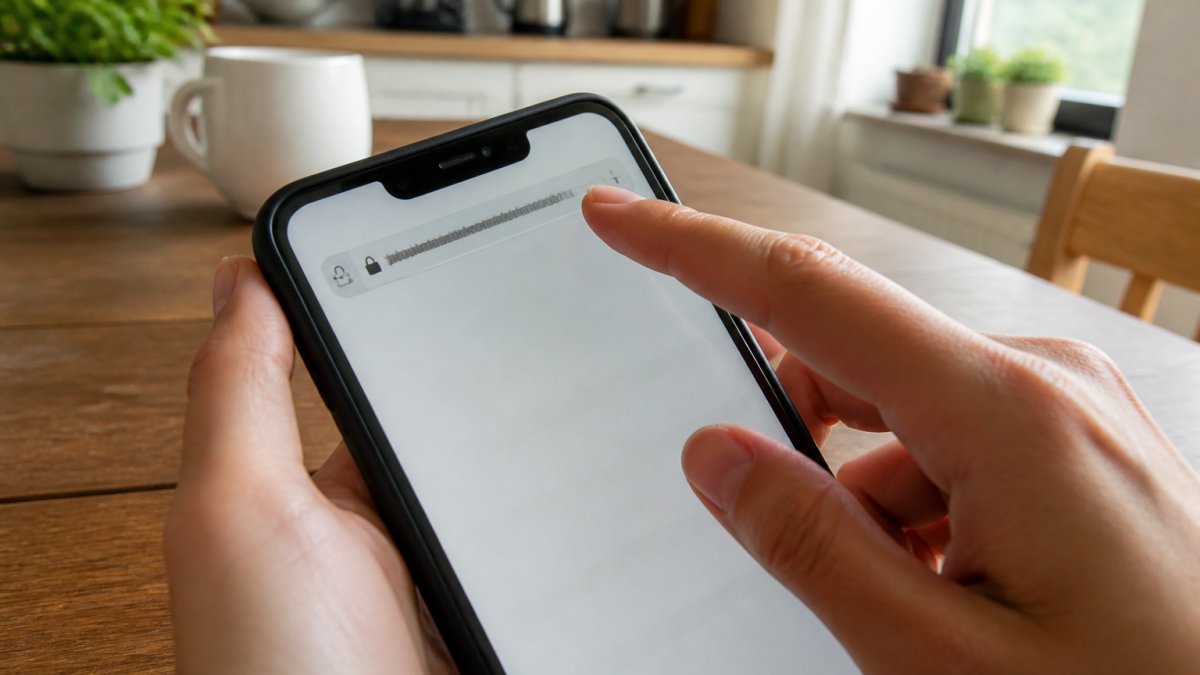
Check the URL for Misspellings and Suspicious Domains
A scam site often copies a real brand name with one small change. Look for extra letters, dashes, or odd endings like ".shop" instead of ".com". Type the store name yourself instead of clicking a link. If the domain looks off, stop there.
Inspect HTTPS, the Padlock, and SSL Certificate Details
HTTPS is a secure connection between your browser and a website. (EU Internet Standards Deployment Monitoring Website) It encrypts your data in transit.
But here is the part most guides get wrong: the padlock does not prove a store is honest. It only proves the connection is private. A scam site can get the same certificate. Click the padlock and check the certificate details.
Verify Seller Authenticity: Contact Details, Policies, and Reviews
Real sellers leave a paper trail. Check the contact page first.
Check Contact Information and Customer Support
A legit store lists a phone number, an email, and a business address. Test the phone line. Can you reach a real person? If a site hides its contact details, treat that as a warning sign.
Review Shipping, Return, and Privacy Policies
Read three pages before you buy:
- Shipping policy: costs, delivery times, and where the store ships
- Return and refund policy: who pays return postage and how long you have
- Privacy policy: what data the store collects and how it uses it
Missing or vague policies are a red flag. A store that will not explain its returns is a store that will not honor them.
Your Online Shopping Safety Checklist for Every Purchase
Run this online shopping safety checklist before you enter payment details:
- URL spelled correctly, no odd characters
- HTTPS active and certificate owner matches the store
- Phone number and email tested
| Check | What to Look For | Red Flag |
|---|---|---|
| URL and domain | Correct spelling, clean domain | Typosquatting, strange endings |
| Connection | HTTPS with matching certificate | No padlock, cert owner mismatch |
| Contact | Working phone and email | No contact page at all |
| Policies | Clear shipping and return terms | Vague or missing policies |
| Reviews | Independent reviews and complaints | Only glowing in-site reviews |
| Pricing | Normal market prices | Unusually low prices |
| Payment | Card or protected method | Bank transfer only |
Secure Payment Methods for Online Shopping: What to Use and Avoid
Payment is where verification stops being theoretical. A store can pass every address-bar and policy check and still be a scam designed to harvest card details at checkout. The payment method you choose is your last line of defense, and it determines whether you can get your money back after a bad purchase.
Rank Payment Methods by Buyer Protection
Not all payment methods are equal when something goes wrong. From strongest protection to weakest:
- Credit cards: The strongest option for most shoppers. Card issuers generally provide dispute and chargeback rights, and in many jurisdictions those rights are backed by law or card-network rules. If a store never ships, ships something counterfeit, or charges you after you cancel, you can dispute the charge.
- Payment services with buyer protection: Services such as PayPal and similar platforms offer their own dispute-resolution processes. Protection terms vary by service and transaction type, so read the specific policy before relying on it.
- Debit cards: Weaker than credit cards. The money leaves your bank account immediately, and dispute windows and protections are typically narrower. Use them only with stores you already trust.
Run a Checkout and Payment Safety Audit
Before you hit pay, run this sequence:
- Confirm the checkout domain. The checkout page should still show HTTPS and the same domain you verified. A sudden redirect to a different domain at payment is a red flag.
- Check the certificate on the payment page. Click the padlock again. The certificate owner should match the store or a recognized payment processor.
- Verify the final price. Confirm currency, shipping, taxes, and any subscription or recurring charge before submitting. Scam checkouts often add fees at the last step.
- Never send card details by email, chat, or phone. Legitimate stores use a secure checkout form. A request to 'confirm your card by email' is a phishing pattern.
- Save the confirmation. Screenshot the order page and keep the confirmation email and receipt. You will need them if you dispute the charge.
- Watch for method switching. If you selected card and the checkout suddenly asks for a bank transfer, close the tab. That switch is a classic scam pattern.
What HTTPS Does and Does Not Prove at Checkout
The padlock on the payment page proves your card details are encrypted in transit to that site. It does not prove the site is honest, that the seller will ship your order, or that the business is who it claims to be. A scam store can obtain the same certificate a legitimate store uses. Treat HTTPS as a baseline, not a verdict, and let the payment method and the audit above carry the rest of the verification.
What to Do After an Online Shopping Scam
Act fast. The recovery steps depend on how you paid and what information you exposed, so match your response to the situation rather than following a single generic list.
If You Paid by Credit or Debit Card
- Call your card issuer first. Report the transaction as unauthorized or as goods not received. Ask them to open a dispute and to block further charges from that merchant.
- Put it in writing. Follow up with a written dispute through your issuer's portal or by email so there is a record with a timestamp.
- Request a replacement card if you entered card details on a suspicious site. The issuer can reissue the number so the exposed details cannot be reused.
- Keep every document. Order confirmation, receipts, emails, chat logs, and screenshots of the product page and checkout. Disputes are decided on evidence.
If You Paid by Bank Transfer, Wire, or Gift Card
Recovery is much harder because these methods are effectively cash. Contact your bank immediately and ask whether the transfer can be recalled or the receiving account frozen. Report gift-card fraud to the card issuer as soon as possible; unused funds can sometimes be frozen. File a report with your local consumer protection agency and, where relevant, the platform that hosted the ad or listing.
If You Exposed Account Details or Passwords
- Change the password on the store account and on any other account that reused the same password. Reuse is how one breach becomes many.
- Turn on two-factor authentication on email, banking, and shopping accounts.
- Review recent activity on the accounts you accessed from the same device or session.
Recognize the Scam Patterns So You Catch Them Earlier
Most victims miss the warning signs before checkout, not after. Common patterns include:
- Impersonation domains: A real brand name with an extra letter, a hyphen, or a different ending such as '.shop' instead of '.com'.
- Copied product images and descriptions: Reverse-image search a product photo; if it appears on many unrelated stores, the listing is likely copied.
- Fake reviews: Look for reviews that are all five stars, posted in a short window, or written in generic language. Check independent review sites and complaint boards outside the store.
Shop With Confidence at onlinegotmine.com
Trust should be easy to check. At onlinegotmine.com, you can reach customer support by phone, and the platform offers multi-currency support for international customers and free shipping on select items. Browse the site for current deals and details.
Frequently Asked Questions
Does HTTPS mean an online store is safe?
No. HTTPS and the padlock icon only mean the connection between your browser and the website is encrypted. They do not prove the seller is legitimate or that the store will deliver what you ordered. Scam websites can obtain SSL certificates too. Treat HTTPS as one basic check, then verify the domain name, contact details, policies, and independent reviews before you enter payment information.
How can I check whether a store's reviews are genuine?
Look for reviews on independent platforms, not just the store's own site. Search the store name alongside words like 'complaints' or 'scam' to see what other shoppers say. Be wary of reviews that are all posted on the same date, use identical phrasing, or give five stars without mentioning a specific product detail. A mix of positive and negative feedback with specific, varied language is a better sign of authenticity.
What should I do if I think an online store is a scam?
Stop the transaction immediately if you have not paid. If you have paid, contact your card issuer or payment provider to dispute the charge and ask whether your card details should be replaced. Change any passwords you used on the site, especially if you reused them elsewhere. Report the store to your local consumer protection agency and keep screenshots of the listing, order confirmation, and any communication for your records.
Which payment methods are safest for online shopping?
Credit cards and established payment services that offer buyer protection are generally safer than direct bank transfers or wire transfers. These providers often let you dispute a charge if goods never arrive or are not as described. Avoid paying by gift card, cryptocurrency, or money transfer to a stranger. Before checkout, confirm the payment page uses HTTPS and that you are still on the store's real domain.
Shopping online should not feel like a gamble. onlinegotmine.com gives you phone support, upfront multi-currency pricing, and free shipping on select items so you can buy with confidence. Get started with onlinegotmine.com and shop our daily deals today.


